Interface Overview
Open InDesign, and you’ll be greeted by its user-friendly interface. The workspace includes panels like Tools, Pages, and Text. Familiarize yourself with these to navigate effortlessly.
The Control panel at the top changes based on your selection, offering quick access to commonly used features. Experiment with different panels to customize your workspace. This flexibility allows you to create a setup that complements your workflow.
Understanding the interface is the first step to mastering InDesign. Have you ever considered how layout design could transform your projects? Start exploring the tools and see where your creativity takes you.
Engage with InDesign by experimenting with various options. As you grow more comfortable, you’ll discover the immense potential this software offers. Embrace the learning curve, and soon you’ll be crafting professional layouts with ease.
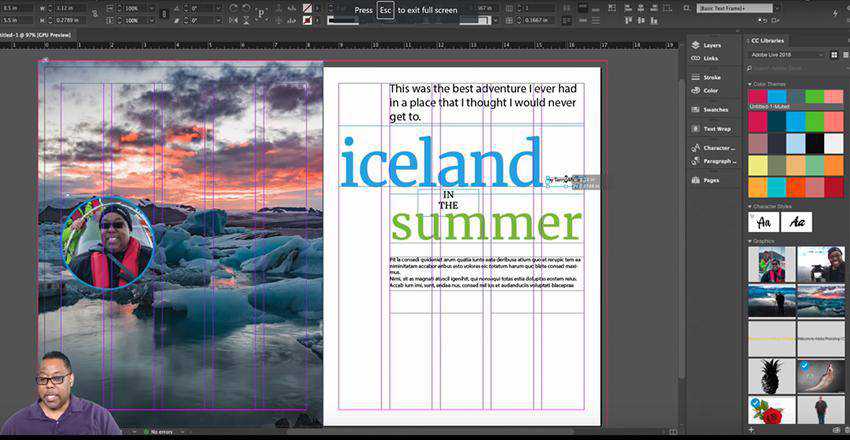
Credit: speckyboy.com